
Find the right tool for your home
Explore your home, one tool at a time
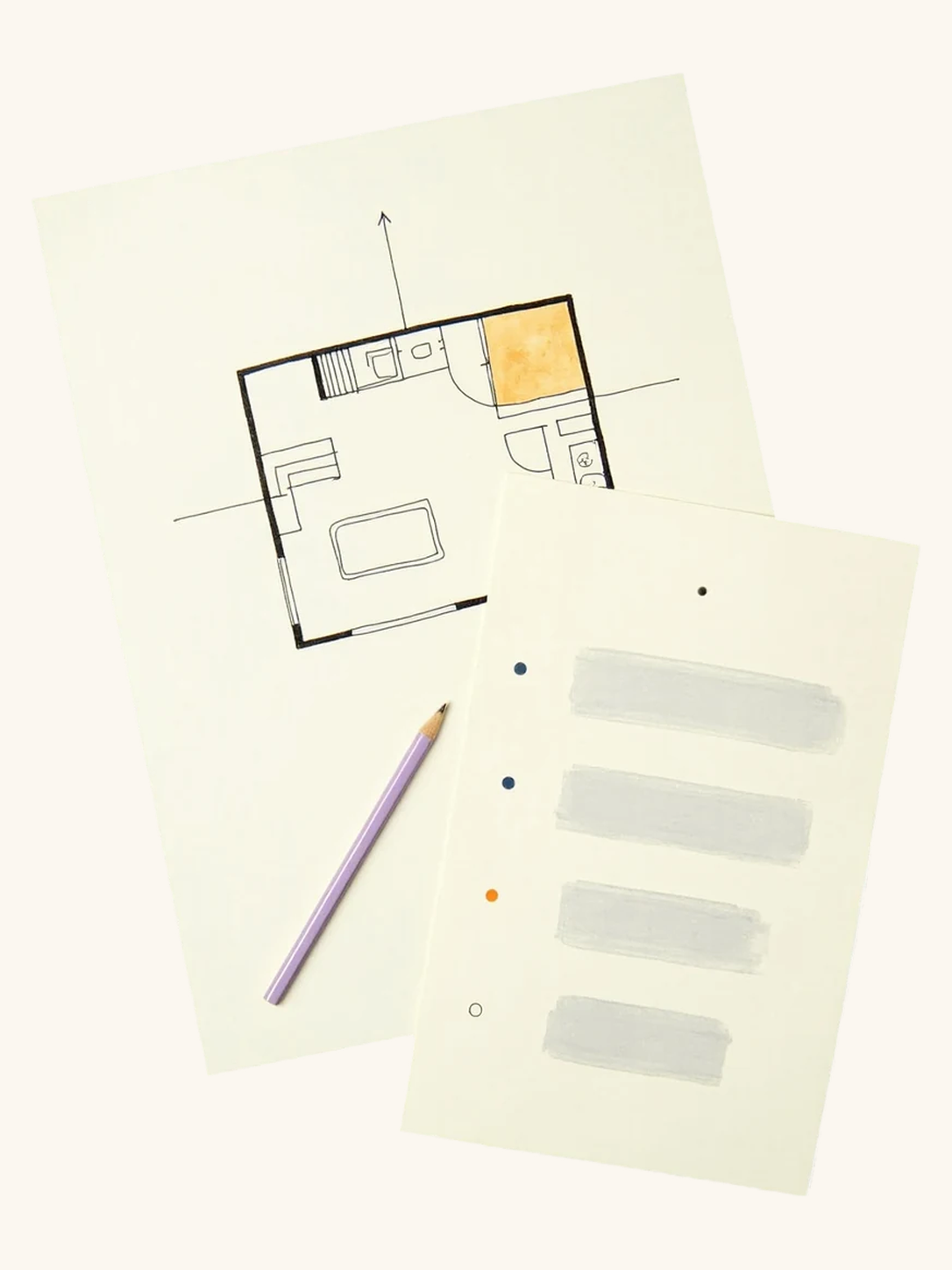
Choose a Vastu tool, enter your home details, and review its findings. Start with a direction check, room layout, or floor-plan assessment.
View all tools
View all tools
Button
Button



















Button
Button
KEY FEATURES
From directions to detailed findings
[01]
15 TOOLS
[02]
ROOM LAYOUT
[03]
CITED GUIDANCE
[04]
COMPARE OPTIONS
[05]
HOME DETAILS
[01]
[02]
[03]
[04]
[05]
15 TOOLS
Choose where to begin
Open the tool catalogue for direction checks, room guidance, layouts, and floor-plan assessments.
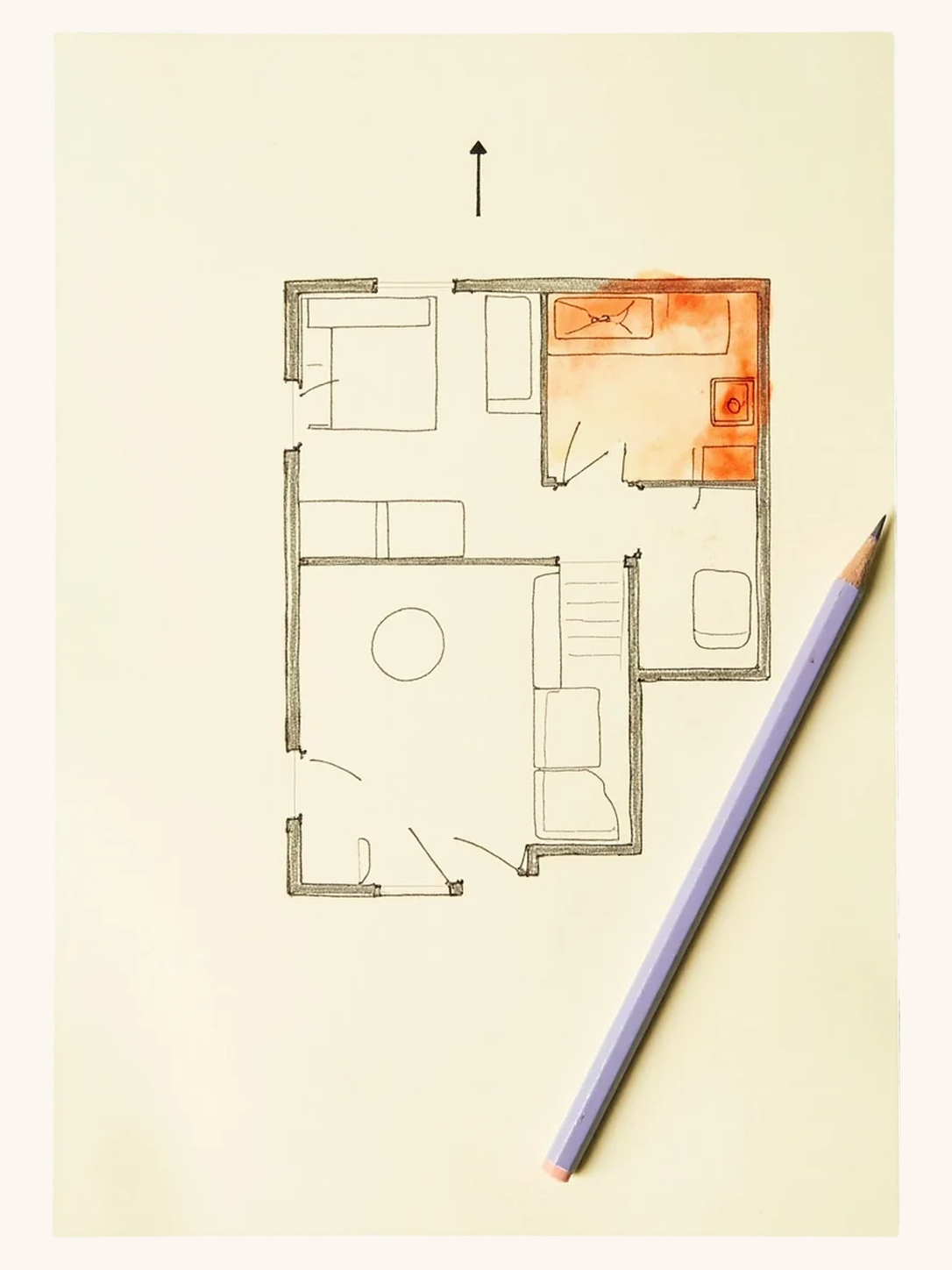
ROOM LAYOUT
Place each room on the grid
Enter room directions and review the layout before requesting an assessment.
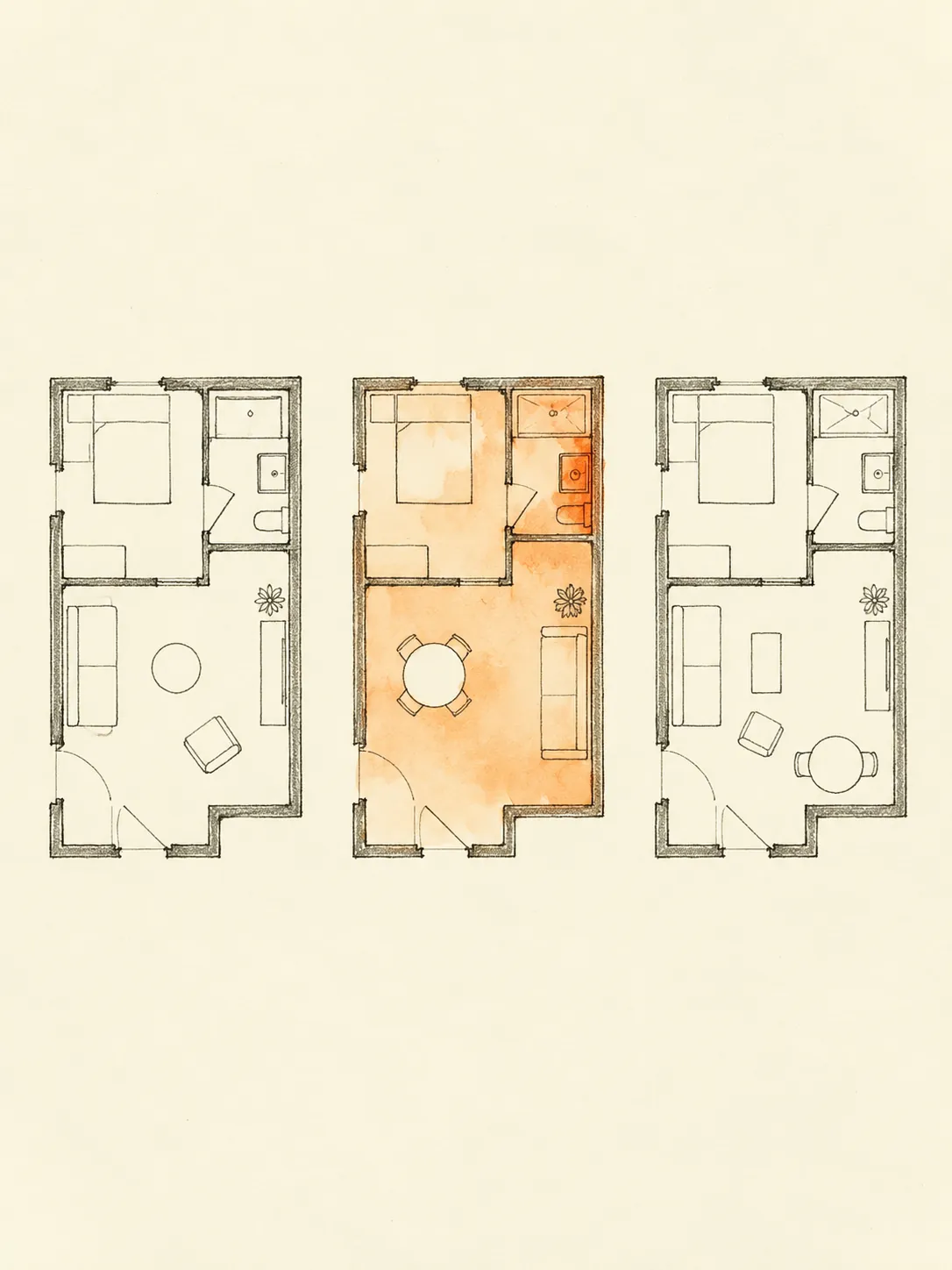
CITED GUIDANCE
Read the reason behind a finding
Review the classical references supplied with a finding and the limits of the assessment.
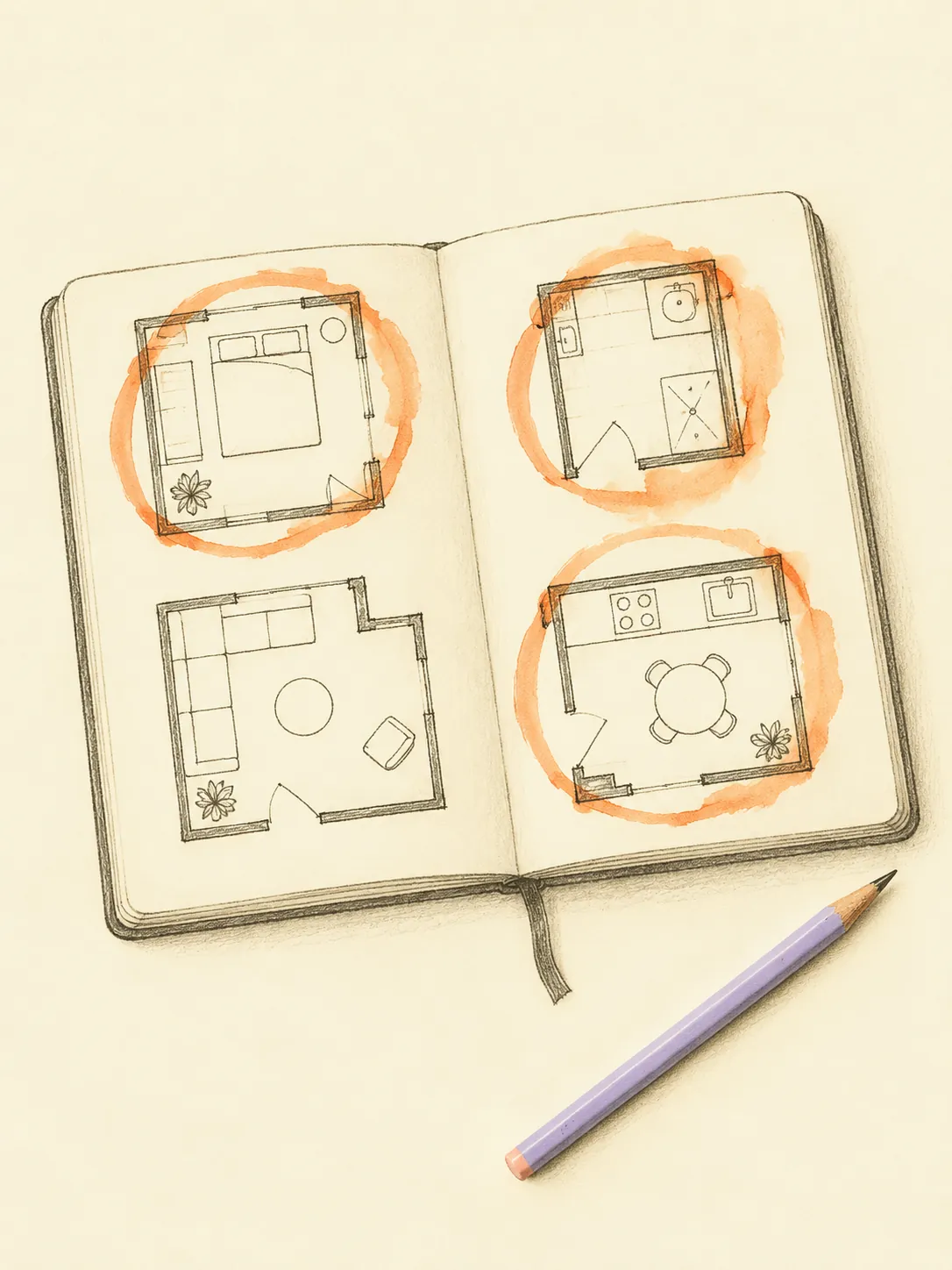
COMPARE OPTIONS
Compare possible placements
Check alternative room directions with the comparison tool before deciding on a layout.
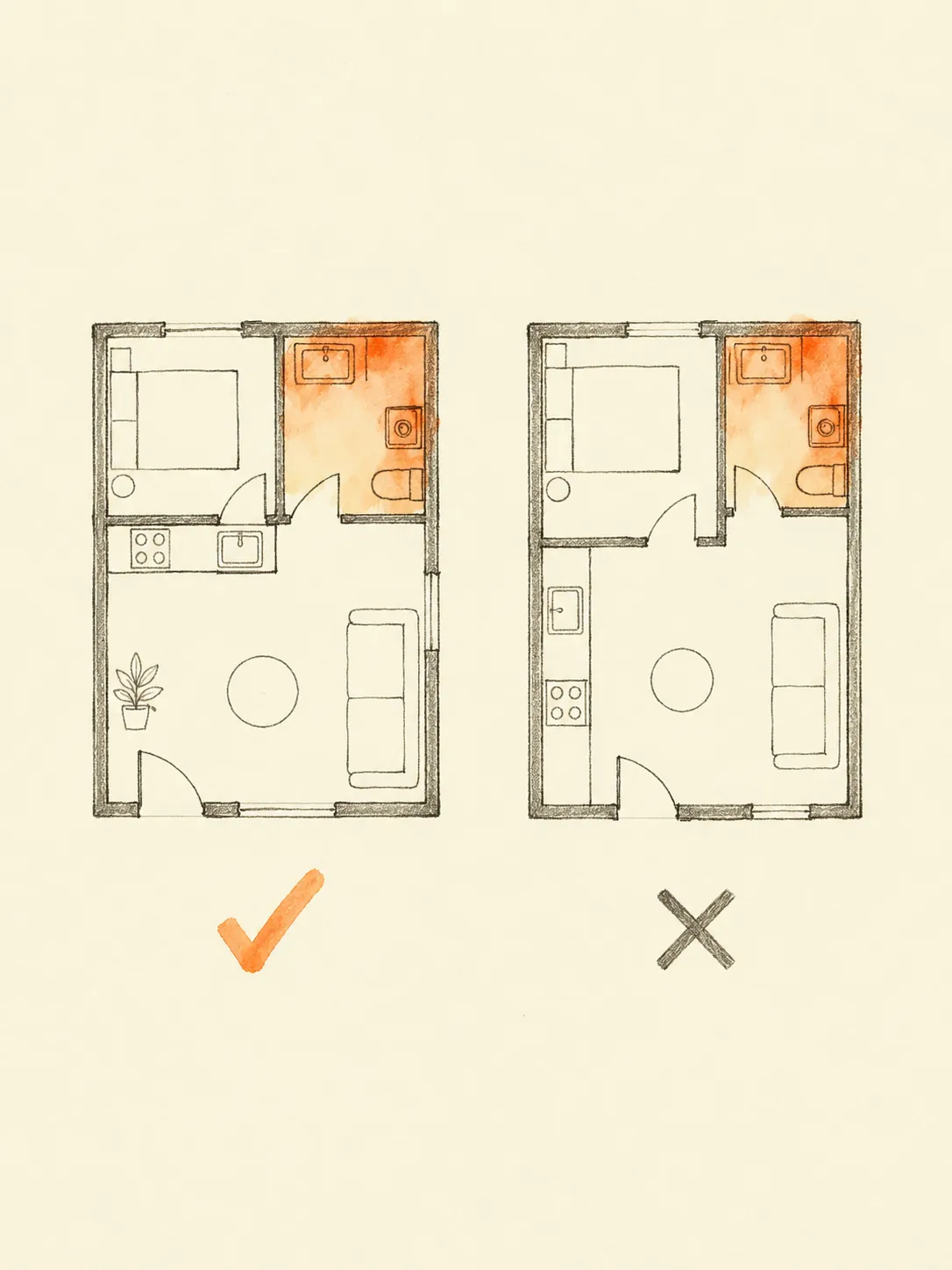
HOME DETAILS
Describe the home you have
Enter your property type, facing direction, and rooms. Accurate details help you interpret the result.
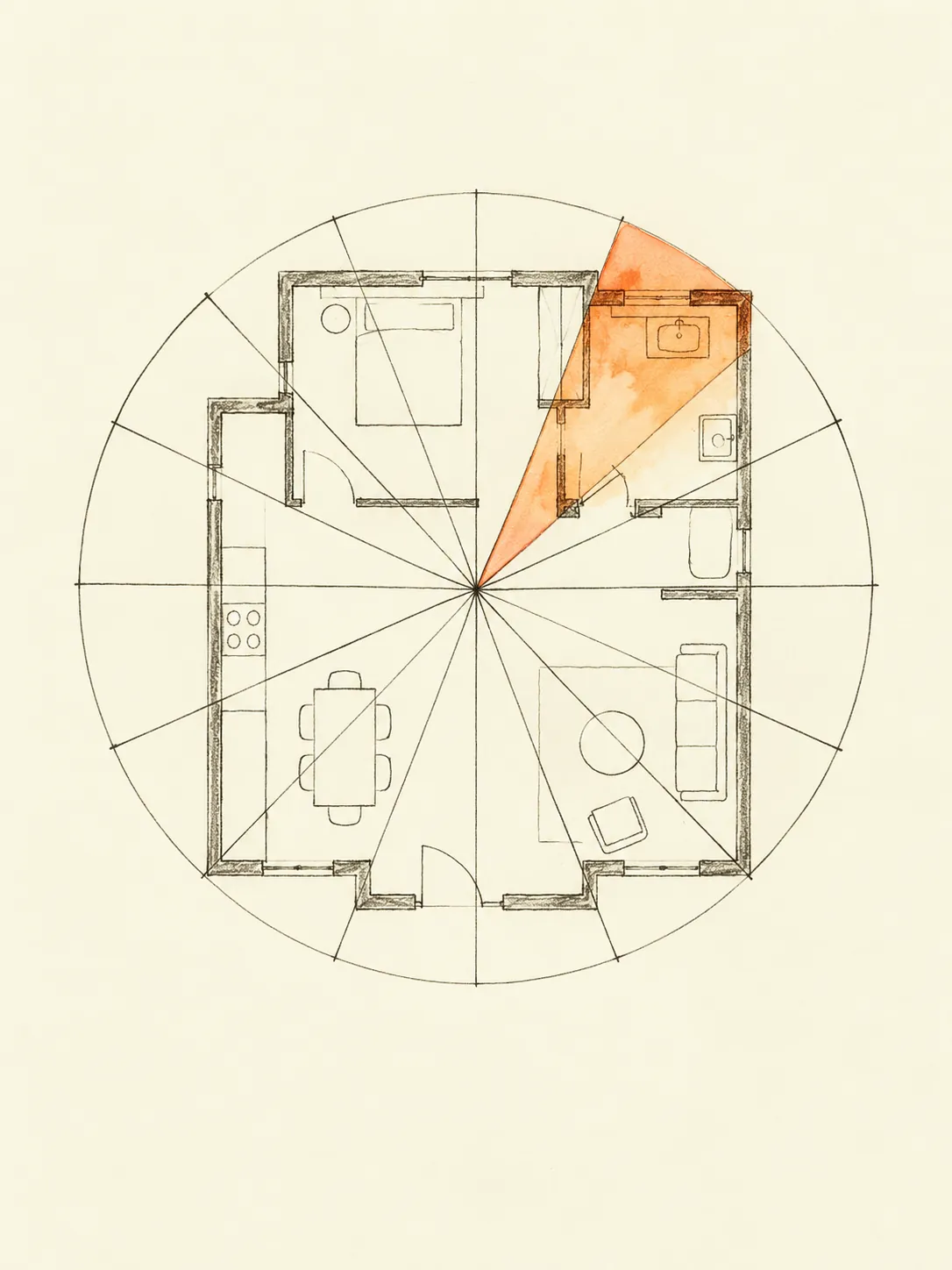
From home details to findings, in 3 steps
Confirm your direction, check room placements, and read the assessment with its supporting references.
[Scroll to continuE]
step
[01]
Confirm
your true north
your true north
By phone compass, AR, or a manual
bearing on the plan.
step
[02]
Place each
room on the grid
room on the grid
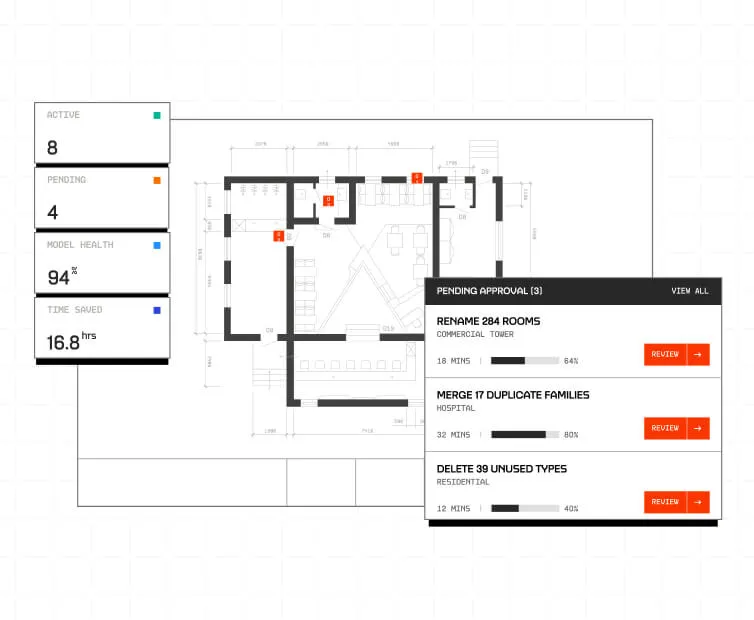
Compare your plan one‑to‑one with the nine
zones and their rules.
step
[03]
Read the
cited remedy
cited remedy
Get a remedy mapped to its citation, not
a vague, decorative score.
FAQs
Got questions?
We’ve got answers
Where do I find all 15 Vastu tools?
Later
Open All 15 tools from the Tools menu. Each tool explains the details it needs before you begin.
Will an assessment change my floor plan?
Later
No. The assessment provides findings for you to review. You decide which changes to discuss with a qualified professional.
Can I return to a saved report?
Later
Reports saved to your account are available in your report library. Saving and downloads depend on the report and your access.
Can I compare room placements?
Later
Use the comparison tool to check alternative room directions. Review the findings before making a decision.
Can I enter my own home details?
Later
Yes. Set the facing direction and room placements in the floor-plan studio, then review the details before analysis.
SEE WHAT THE AUDIT FINDS IN YOUR HOME
Choose a tool and begin with your own home details.

VAASTU WORLD · ALL TOOLS